


 home
home contact
 site map
 my account


Lack of planning results in long procrastinations while doing the task
There is nothing as sensible as a plan before you are going to do something. It's a common truth but how often we forget about it. The result is that very often we don't know where and what to start from. We meet unexpected and unplanned problems that we are not ready to solve in order to go ahead to our goal and that may result in long procrastinations. So, isn't it better to spend some time before you start doing something and thereby save the time and energy in future?! As while making a plan you bring the order in your thoughts and future actions, work over the solutions of possible problems and find the ways to accomplish your task perfectly.
"Planning Tasks" to do list
- Analyze the task you have to do
- Think of possible troubles or obstacles you may face while doing the task
- Work out clear steps you should follow to have the task done
- Specify these steps in the order they should be done and estimate the time you need for each
- Use organizer or task management software to plan your tasks
Action plan
- Start your Organizer or team management software
- Create the tasks, give them the names of your plan's points
- Set start and finish date of each task
- Add required notes to each task in order to describe everything you need in details
- Start doing the task
See also:
Plan your phone calls to avoid wasting much time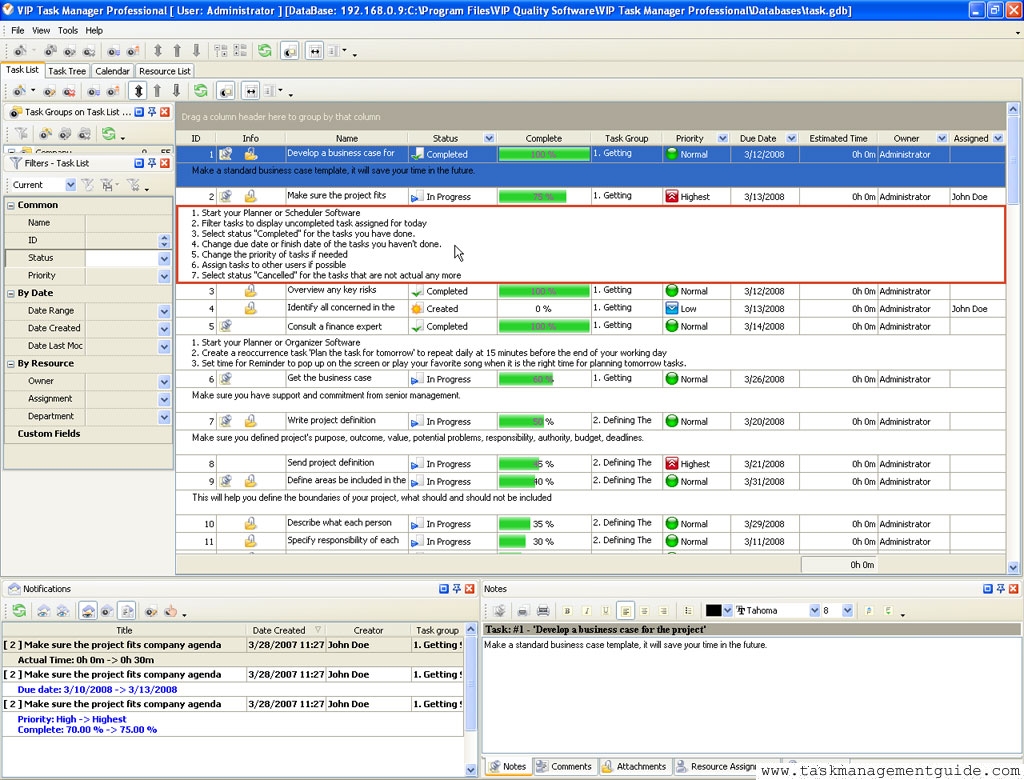

|
| |||
 |
|
 |
VIP Task Manager |



 home
home contact
 site map
 my account