


 home
home contact
 site map
 my account


Describe the position
In the team work it is quite possible that some employee falls seek or is just absent and somebody must implement his or her tasks. These tasks should be clearly described to the person who will do them. In order to avoid doing it each time when particular employee's tasks are re-delegated, make a description for each employee position, just something like position manual. Having a list of tasks that each post is responsible for, you will save your time and help your staff to easily shift between different duties.
"Make task list for each position" To Do List
- Describe the responsibilities for each position of your team
- Make this list of tasks available for each employee concerned to it at the moment
- Use software to set a list of responsibilities for each position
Action plan
- Start your team management software
- Create a new task group, e.g. "Sales person position"
- Create new tasks, that describe salesmen's responsibilities
- Assign them to each employee concerned to this post
See also:
Make your goals clear and achievable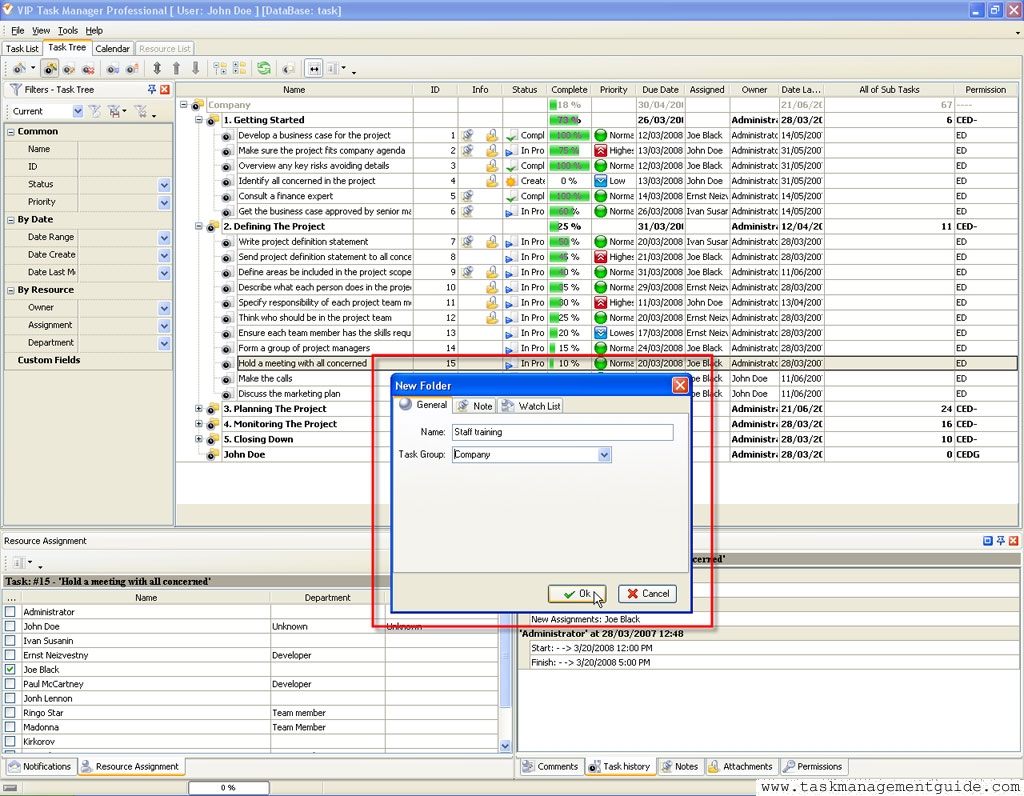

|
| |||
 |
|
 |
VIP Task Manager |



 home
home contact
 site map
 my account