


 home
home contact
 site map
 my account


|
| |||
 |
|
 |
VIP Task Manager |


|
| |||
|
|
|
VIP Task Manager |
For people who need to keep track of multiple tasks, appointments and meetings, business schedules and calendars are vital. Depending on the needs of these people, business schedules and calendars may vary greatly. Time management software is a ‘lifesaver' that gives tools to create various types of calendars and schedules. For example, when you need to plan daily tasks and meeting agendas, it allows using hourly day planner tools. When you want to plan tasks for current week, it allows using workweek scheduling tools. And when you need to schedule tasks for a month, monthly day planner tools will be useful. Usually, most people prefer using one day planner tools to schedule daily tasks by hours or even by minutes. Those tools are also very convenient for planning projects and assignmens. |
||
|
Time management software allows using templates and samples that significantly simplify task planning and help organize project activities. You can create templates for meetings, appointments and agendas and then copy the required template each time when a new event should be organized. In your templates you can rank activities and set task priorities, as well as schedule your sample agenda by hours. If you have no time or wish to design own templates, you can search for free templates in Internet. There are many websites that offer such templates. This website also offers free weekly day planner checklists, free templates and printable action plans that you can download and use in CentriQS. |
||
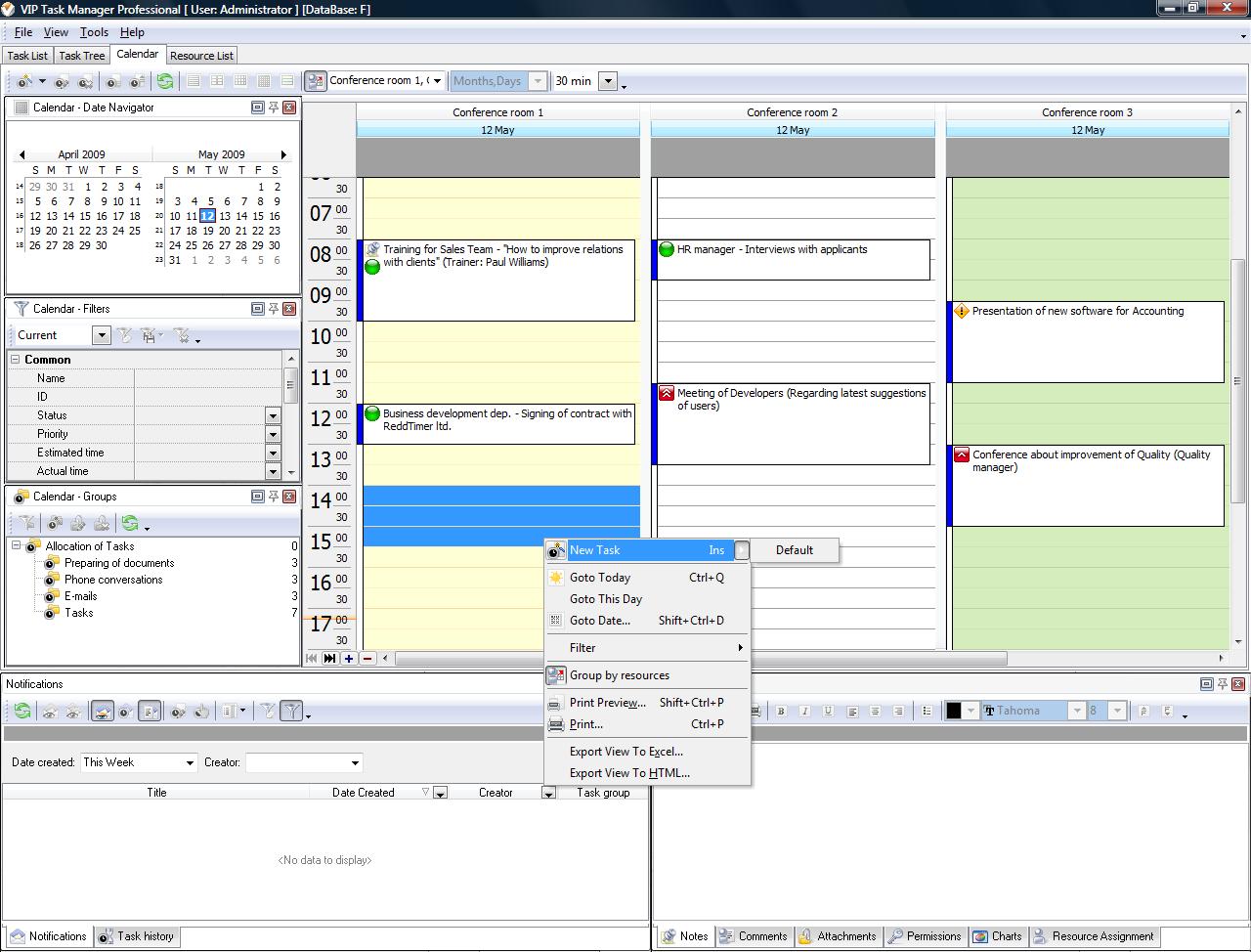 |
CentriQSr is a task and time management solution for multiple users. The software features Scheduler which offers a combination of task scheduling tools. Scheduler allows breaking down your working calendar into hours, days, weeks and months. The following views are available in the Scheduler view: |
|
If you're interested in CentriQS and its features, you can try it for free by downloading a 30-day evaluation copy from this website. The software is fully compatible with Windows. You can install it on your laptop as well as on desktop computers. |
||

 Play Demo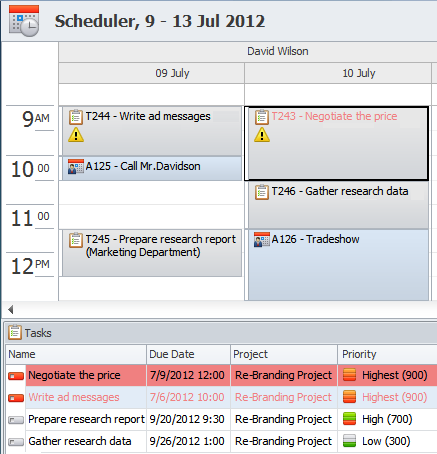
 Play Demo
|
| |||
|
|
|
VIP Task Manager |

 home
home contact
 site map
 my account