


 home
home contact
 site map
 my account


|
Due to streamlined evolution of Internet technologies today online collaboration services are crucial to management of business and project activities. Organizations that tend to develop a single work environment to manage projects and achieve business objectives are able to create virtual offices that help employees from different locations to communicate with each other and exchange ideas. Any web browser becomes a simple way to gather employees into productive teams and build vistual groups. Many organizations want to use Internet and the latest online technologies to disseminate information, share documents, maintain communication channels, drive employee performance, etc. However, even the most advanced and powerful technology may become inefficient and incompatible with existing business ideas or project requirements. Those organizations which do not choose any suite often achieve their objective points and goals with the help of desktop based solutions and technologies. Such organizations prefer real-time collaboration to online project management. And they can be at the top of performance and achieve the best results by using real-time collaboration tools and services. The question of proper choice is vital for your organization if you want to use a reliable foundation for sharing information and exchanging ideas between your employees. In order to make the choice, you may need to review some comparisons and find out what makes you choose desktop-based or online solutions. In this article you will see both disadvantages and advantages that help you make the right choice. So let’s begin with the advantages which are listed below:
While the listed advantages of online collaboration applications may seem to be sufficient for you to let you make the choice, the following disadvantages may change your mind:
The listed disadvantages are particular to most online collaboration document sharing solutions that you can find. Some companies do not consider these disadvantages and use web based solutions trying to achieve the best performance and the highest efficiently. | ||
 |
It is all up to you to make the choice in favor of desktop or online collaboration group software. However, as a good manager and business planner, you have to make only right choices so you should consider all the advantages and disadvantages to make weighted decisions. And most likely, the disadvantages will force you to look for desktop based solutions because you cannot risk your business and private information, depend on low-speed Internet connection and financial obligations, and suffer from inconvenient or even complicated project management functionality and interface options. |
|
|
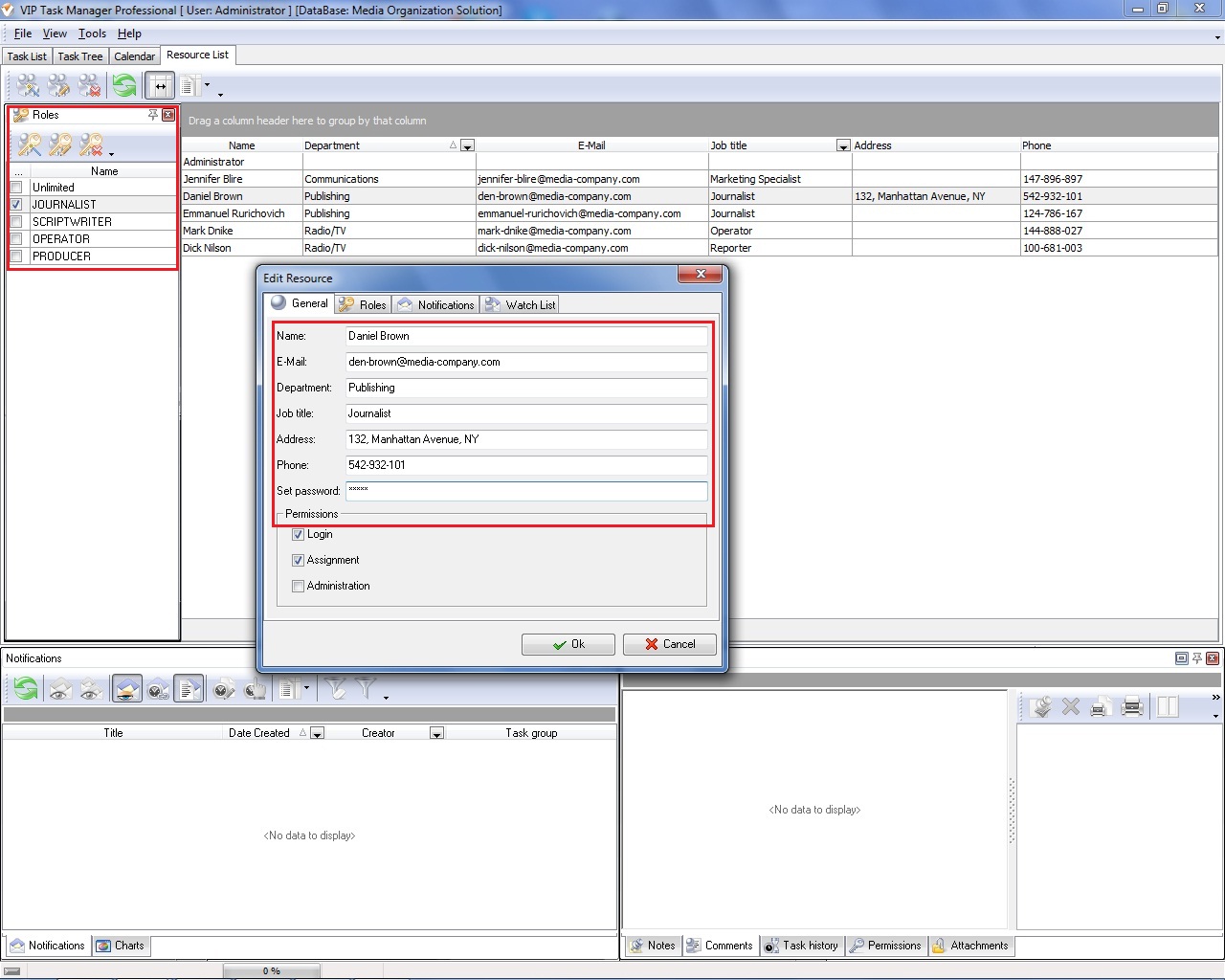
You can look at VIP Task Manager, a desktop based task management solution, to make the right decision. VIP Task Manager uses client-server technologies to support group collaboration and information sharing. VIP Task Manager allows keeping information on your local servers while users can access the servers through LAN or/and Internet.
|
||

 Play Demo
|
| |||
 |
|
 |
VIP Task Manager |



 home
home contact
 site map
 my account