Task Management Software


New Articles New Articles RSS feed subscribe
 
Setting Dependencies between Sub-projects
Sub-projects are smaller, interrelated projects that compose larger projects. If sub-projects belong to one and the same project or programme, they are dependent upon each other in some way. Setting Dependencies between Sub-projects


New Checklists News RSS feed subscribe
 
Company Expenses Action Plan

Read this Company Expenses Action Plan to find out what kinds of expenses your small company is likely to generate.

Company Expenses Action Plan


Home » Solutions » Software development » Project management status
Project management status  

Project management status


Project management status is the measure of things associated with the effort for project management. It shows how successful the effort is, referring to completed and pending tasks of project management. There can be a great number of project management tasks, including tasks associated with project planning, controlling and reporting. Project management status allows reviewing current state of all the tasks in order to measure performance and monitor success of project management effort.

If you are going to initiate a new project, you should learn to use project management status updates and keep track of your PM effort. Then you will get control of current PM tasks and investigate what actions can be taken to make management of your project more effective.

 To keep project management status updates on track you will need to use project management software. Such software should include a set of tools to plan, track and report your project management activities. In particular, the following tools are essential:

  • Project Planning Tool. You start your PM effort with an attempt to plan project activities. Project management software will let you develop templates and checklists that simplify organization and planning of your project. You can use project management status report templates to specify which tasks and jobs of your project are to be checked against the project baseline.
  • Performance Measuring Tool. While managing your project, you may need to track its performance and measure success, and project management status reports will be helpful. You will be able to define a set of project success measures in your project management update template and use status reports each time when you need to assess performance of your PM activities.
  • Project Reporting Tool. Of course, your effort to manage projects will not be thoroughly tracked if no project management status reporting tool is used. Final reports at the end of your project will let you consider whether your project management activities are successful and what lessons can be learned.

A great example of project management software that combines these tools for tracking and measuring status of your PM activities is VIP Task Manager.


 Play Demo
Project management status

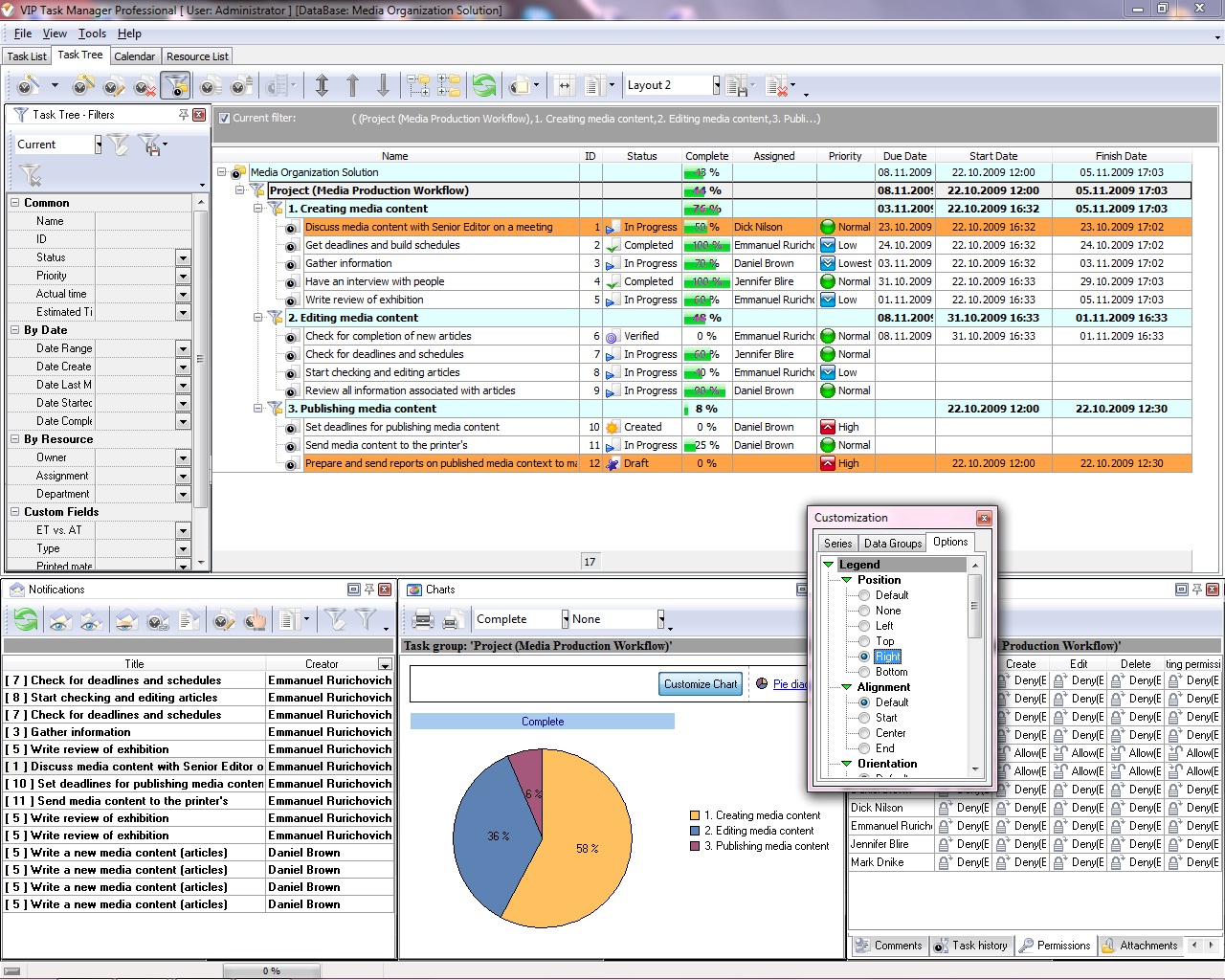
VIP Task Manager is a project management program that lets you keep track of your project management status updates. The software features Reporting Tool which acts like a simple project management status dashboard for displaying current status of your PM activities in Excel or HTML view. It also allows building diagrams and charts for displaying your project management status report examples in a graph view.


For archiving the best management of your project activities, VIP Task Manager gives you Workflow Editor that lets design customized workflows. In Workflow Editor you can set project management status colors – this means when a task gets some specific status it is marked with some color. For example, tasks with "Complete" status will be marked with gray color, while tasks with "In Progress" status will get red color.


VIP Task Manager
Task management software
for teams & small offices
Play Demo / Download

CentriQS
Business management software
for small & midsize enterprises

Play Demo / Download


home contact site map my account


Copyright © 2004 - 2012 VIP Quality Software, Ltd. All Rights Reserved.