


 home
home contact
 site map
 my account


Cheatsheets may appear very useful tool in the case when you have some irregular situation at your work. Sometimes when we work with abundance of terms, commands, symbols, instructions etc. we may need to know definition and purpose of each one at any moment, so we need tool that can provide us with necessary information, because we cannot fully rely on our memory. Cheat sheets are used to help you remember information that is used from time to time in your workflow. Competently prepared worksheet can provide great support to your memory in any intricate situation. Such cheat sheet should contain summarized information that you may need at some moments, but it is not necessarily to have memorized all this data. You can use just a sheet of paper to create simplest cheat sheet, but the better way (if you use computer) is to use some software. For example you can use task management software both for managing tasks and for making effective work sheets.
You can use VIP Organizer that is individual task list manager that allows you to plan time, control priorities, to create checklists and effective cheat sheets. With its help you can create list of tasks that represent terms you need to use, add necessary information to notes and attach to tasks documents with full definitions and details.
VIP Task Manager is teamwork management groupware that allows you to plan time and tasks, control performance in real-time and to analyze team efficiency. With a help of this software you can create quick cheat sheets and share them with your team members.
To create cheat sheet do the following:
- start you task management application
- create new tasks and enter names of your matters (terms, commands, symbols, instructions, documents etc.)
- enter quick definitions to Notes sections
- attach documents with more details to each task (if required)
- use Search function (VIP Organizer) and Filters (VIP Organizer and VIP Task Manager) to search matters by names and details
- use special hyperlinks to quickly open required documents with more details
See also:
Make your short term to do list and concentrate your attention exactly on it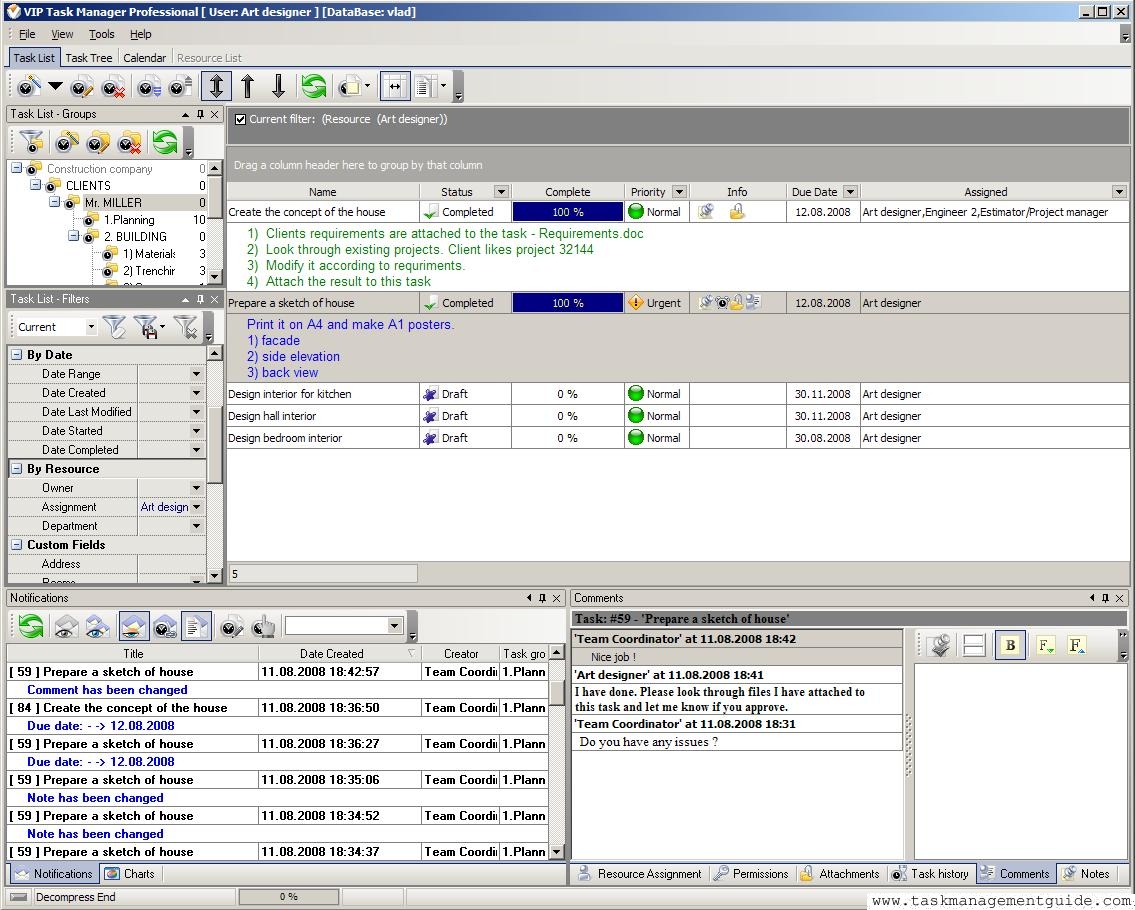

|
| |||
 |
|
 |
VIP Task Manager |



 home
home contact
 site map
 my account