


 home
home contact
 site map
 my account


Here are some action plan tips that will help you develop a suitable strategy and substantially improve action plan benefits and results:
- Create a list of your hits for the last and current weeks/months/years. All achievements in your career, business and studies are considered as hits.
- Create a list of misses that will cover lost opportunities and your failures. For example, you might lose job opportunities, fail to negotiate a loan for your business, or receive bad marks in examinations.
- Try to estimate every miss and hit in terms of time and money. Then you can compare values of misses with values of hits in order to understand the realization rate for your objectives.
- Use goal management techniques (like S.M.A.R.T.) to convert your previous misses into benefits for the forthcoming week/month/year.
- Create a schedule for your plan and make sure this schedule wholly covers hours necessary to achieve your purpose.
In order to use these tips, you will need to get task management software. Such software will let you create to-do lists, tasks and schedules to develop and realize your strategy. VIP Task Manager is a great example of task management software. You can use it to manage to-do lists, record achievements, schedule working hours, design business calendars etc. In case you need to manage teamwork, you can use VIP Task Manager to organize and coordinate collaborative actions of your team.
Action plan
- Run VIP Task Manager to create new databases for your projects and strategies.
- Use Task List view to create, manage and track both personal and group to-do lists.
- Go to Task Tree view to build hierarchical to-do lists and projects.
- Use Resource List view to add user accounts (resources) in your database.
- Use Filter Bar to track tasks by any parameters, including Name, ID, Status, and Assignment.
- You can build task reports by using Report Builder.
See also:
Make your daily plan in the morning after the tasks are completely defined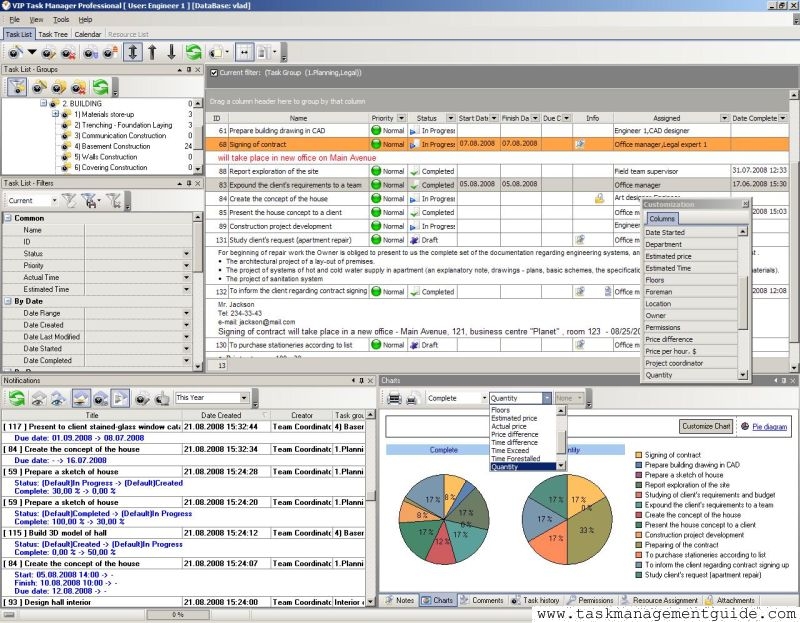

|
| |||
 |
|
 |
VIP Task Manager |



 home
home contact
 site map
 my account