


 home
home contact
 site map
 my account


Disorganized meeting can be a time waster
To prevent the meetings from becoming a time wasters, they should be properly organized. There must be a clear meeting agenda, which items should be prioritized and have definite time limits. All participants of the future meeting must be informed about the aims, main points and the time that is allotted to them in advance. Otherwise, the meeting can turn into an utter chaos, nothing will be solved and presentations of the participants may drag on and overstep the limits of meeting agenda. All of these can be avoided by making a clear plan of the meeting with exact deadlines for each speech and discussion and by sticking to this plan during the meeting.
"Plan the meeting" To Do List
- Develop the plan of the future meeting beforehand, set its destination and goals
- Prioritize the points of the meeting and set exact time limits for each of them
- Prepare the presentation and speech for the meeting
- Inform the participants of the meeting about its date and content
- Use software to make an agenda of the meeting, prioritize its steps, set their deadlines, keep the staff aware of the meeting and attach any required files
Action plan
- Start your or team management software
- Create a new task group "Meeting plan"
- Create new tasks that describe the steps of the meeting or the speeches of each participant
- Assign these tasks to task group "Meeting plan" and set priority and time limit to each task
- Assign the tasks to particular employees to inform them about their role in the meeting
- Attach any required additional file, such as your speech or presentation, to the tasks
See also:
Feel difference between urgent and important tasks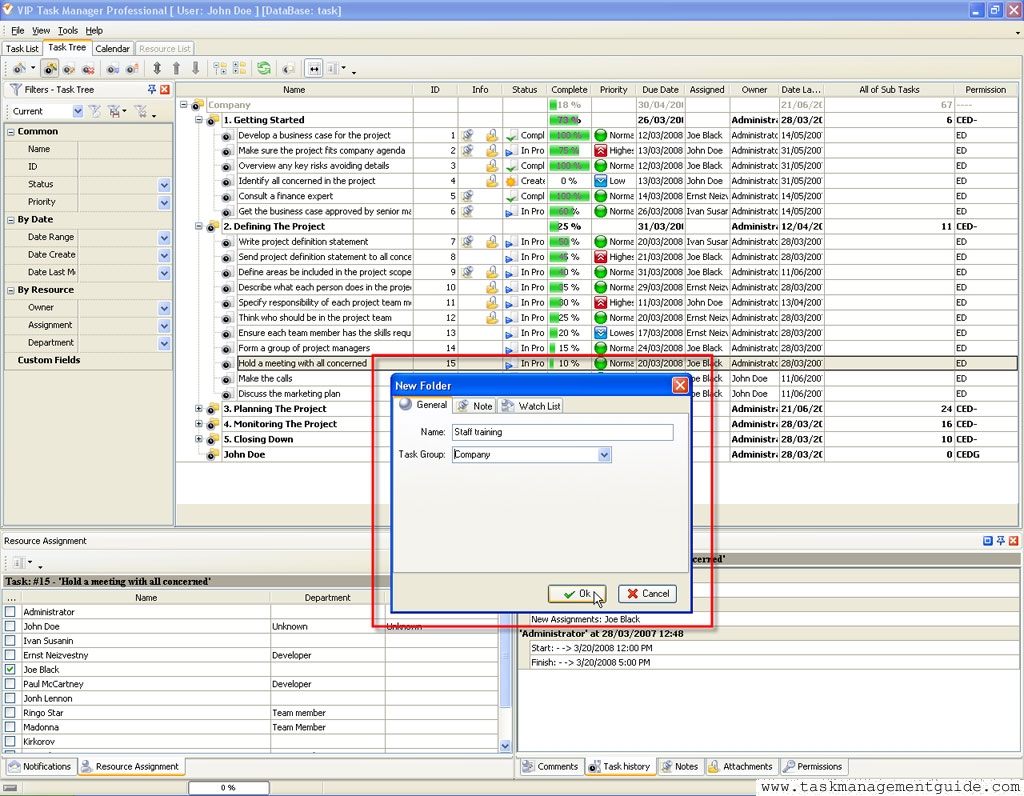

|
| |||
 |
|
 |
VIP Task Manager |



 home
home contact
 site map
 my account