


 home
home contact
 site map
 my account


Do you remember to track your team's tasks
As a manager you clearly realize what should be done to reach your goals. To be sure that everything takes a normal course you should check what your employees do. If you interrupt your own work each time when you remember to track other’s tasks, your working day may turn into chaos. It will not lead to productive work, but will only disappoint and distract you. More effective way is to pick out the special time in your timetable to track your employees tasks. It will bring order and discipline to your workflow.
Setting time to track team's tasks
Get into a habit to check your employees at a certain time. The frequency of tracking employees' tasks depends on your workflow. Decide what is the best time for doing this. Use your task management software to create task ‘Tracking team’s tasks’ and put it into your schedule as a recurring task. Don’t ignore this simple tip to increase your productivity.
Action plan
- Start your task management software
- Create task ‘Tracking team’s tasks’
- Set it to repeat daily or weekly at a certain time
- Track tasks according to your timetable, don’t do it at other time
See also:
rack 'completed' task to make sure they are completed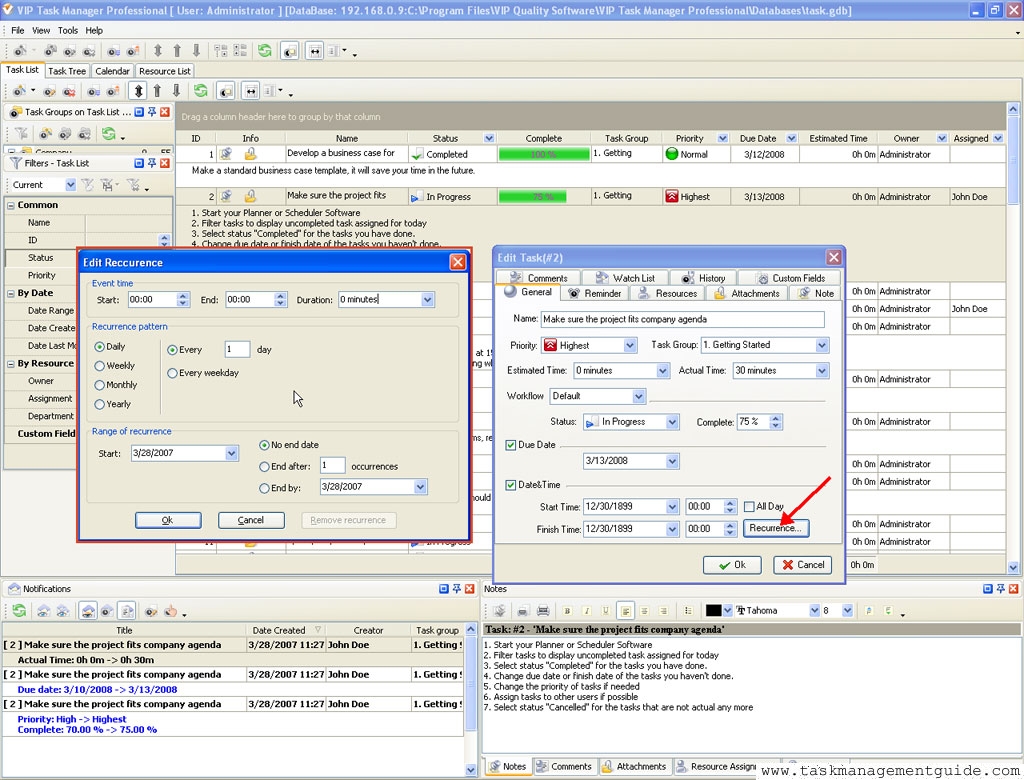

 |
CentriQS Tracking Tasks Solution Task Time Tracking in CentriQS is very flexible. Users can track time they spend on tasks both manually by entering actual/remaining task duration or adding time logs and automatically by using task timer that adds time logs when you pause or stop it. Task property "Deviation" informs users whether they are "On Schedule", "Ahead of Schedule" or "Behind Schedule" by calculating the difference between "Estimate" and "Actual+Remain". |

 home
home contact
 site map
 my account