


 home
home contact
 site map
 my account


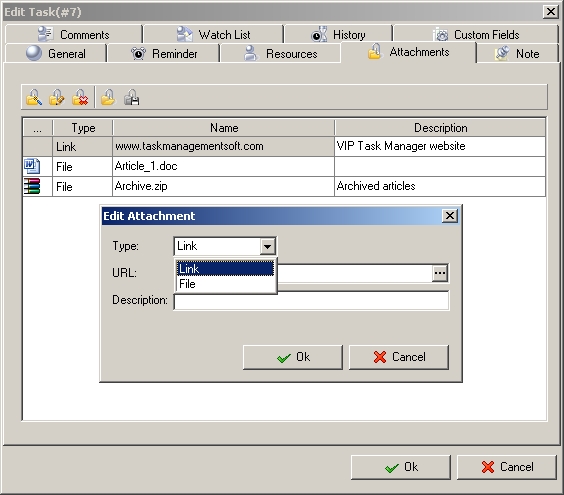
Documenting of tasks is the way to make the workflow in the translation agency more convenient and efficient. The agency management can control all documents related to the translation tasks and employees can quickly get access to the articles, translations, orders, and other work documentation. VIP Task Manager allows to document tasks through attaching files to tasks and specifying tasks. |
||
|
Task notes |
 |
|
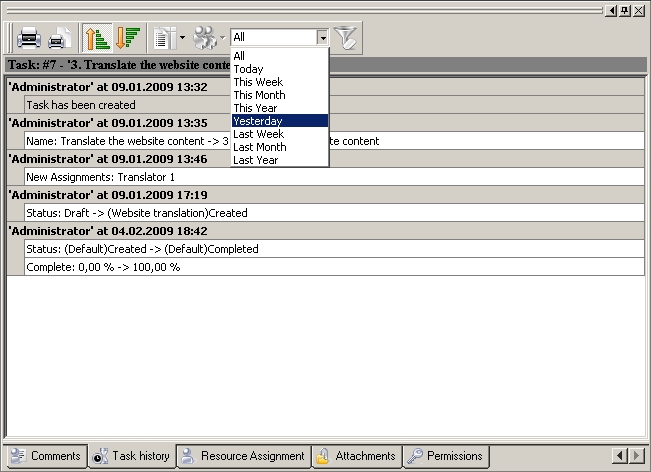
Files and Links Effective employee collaboration within the translation agency requires sharing of documents (sharing articles, translations, documentation and job results).VIP Task Manager allows enclosing files directly to tasks and sharing them among concerned employees. For example, the copywriter can attach created articles in MS Word format to the task “Write new article” and the translator can attach job results in PDF format to the task “Translate article”. They document the tasks through attaching files and sharing them so the proofreader can check and revise their job results. InVIP Task Manager documents can be attached as files or links to files stored on local PC or network machine. |
 |
|
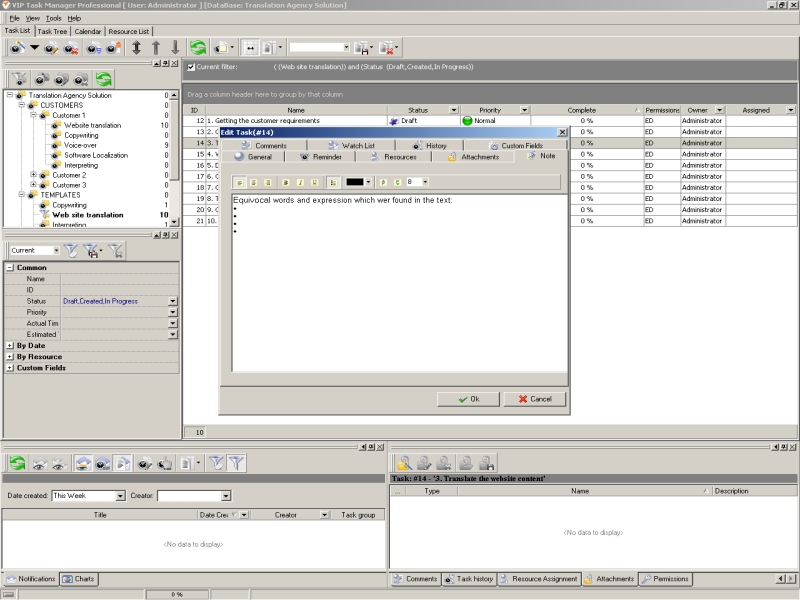
Task History It would be great if a task could be logged with detailed history of all changes a resource has made. Then, the supervisor of the translation agency could track task history from its creation till completion and get exhaustive task report. The supervisor could be able to reveal procrastinated articles, translation issues and outstanding questions of the translation agency tasks. For example, to track all tasks concerned with activities of the translator, the supervisor can filter tasks by assignment “Translator”, then select the filtered tasks and choose “Export/Printing Option”. In the report option window the supervisor should check item “History” and build the report. If it needs to create a report just on a single task, the supervisor can use Task History Panel which has Print Preview option. In VIP Task Manager all tasks changes are recorded and cannot be erased. |
 |
|
|
||
|
| |||
 |
|
 |
VIP Task Manager |



 home
home contact
 site map
 my account