


 home
home contact
 site map
 my account


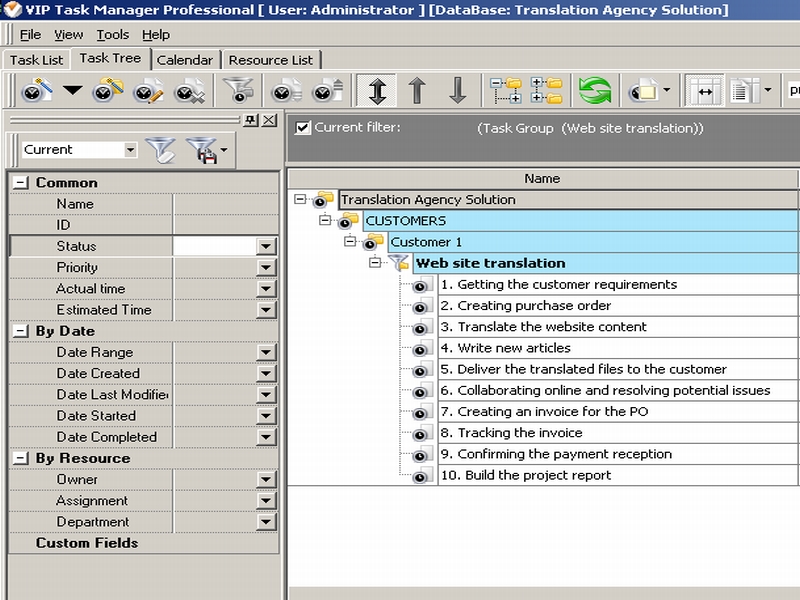
Plan from the top down The simplest way to plan and manage tasks in the translation agency solution is to start by thinking about the overall workflow and desired deliverables, and then successively split each element into more details. After the overall workflow information has been already defined, the next step is to list the key tasks that will make up the workflow. The manager of the translation agency can number each task in proper sequence. For example, in the project “Website translation” the tasks are numbered in logical order that is from the task “1.Getting the customer requirements for translation” to the tasks “9.Confirming the payment reception” and “10.Building report”. |
 | |
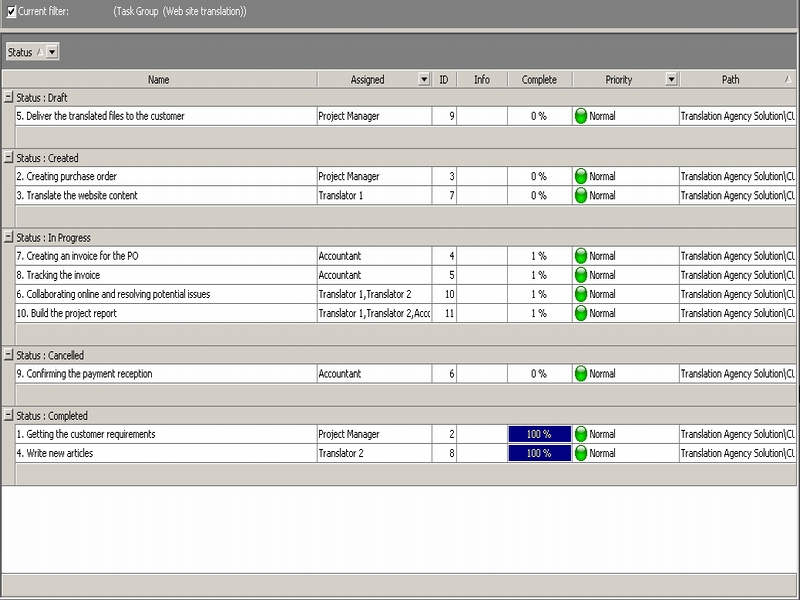
Planning by due date In VIP Task Manager the column “Due date” shows the deadline till which a task should be completed. The manager of the translation agency can plan to-do lists of the employees by due dates. The column “Due date” could be displayed in days as well as in hours. In Task List view it is convenient to group tasks by the field “Due date” and then use the column filter. The employee can display tasks with due dates on Today, Tomorrow, This Week, Next Month, This Year and other. For example, to display tasks which due to be completed this week, the translator can group his/her to-do list by “Due date” column and apply the column filter “This week”. The screenshot shows how to do it. If a task is overdue, VIP Task Manager highlights it with orange colour so the translator can easily detect procrastination. In our example, the tasks “Write newsletters” and “Write article for website’ are overdue and the translator sets the “Urgent” status. |
 |
|
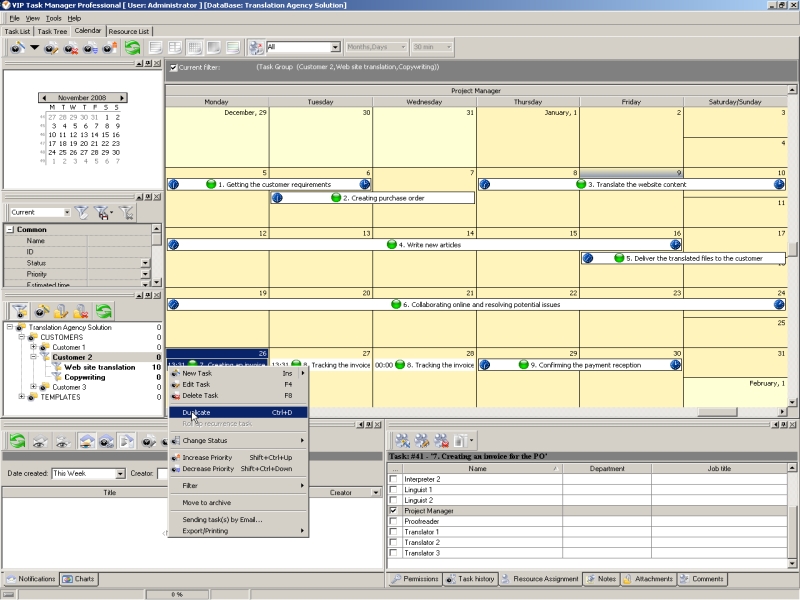
Planning by priority In the translation agency solution the manager and the employee can use six types of task priorities: Lowest, Low, Normal, High, Highest and Urgent. Task priority is like an indicator showing that this task is due to be completed first of all or can be put off. The manager can plan tasks by priority and set the sequence in which the tasks should be completed. The employees of the translation agency can use filter in Task List view to display the most urgent and outstanding tasks. The tasks can also be grouped by the column “Priority” so that the translators, copywriters and linguists can get their to-do lists in more convenient view. For example, when planning tasks for the customer’s order “Website translation”, the manager can set priority “High” to each task according to the importance and urgency. Such tasks as “Write articles” and “Translate the website content” due to be completed first of all. The copywriter and translator can use filter by statuses “High” to display these tasks in common to-do list. |
 |
|
|
||
|
| |||
 |
|
 |
VIP Task Manager |



 home
home contact
 site map
 my account